

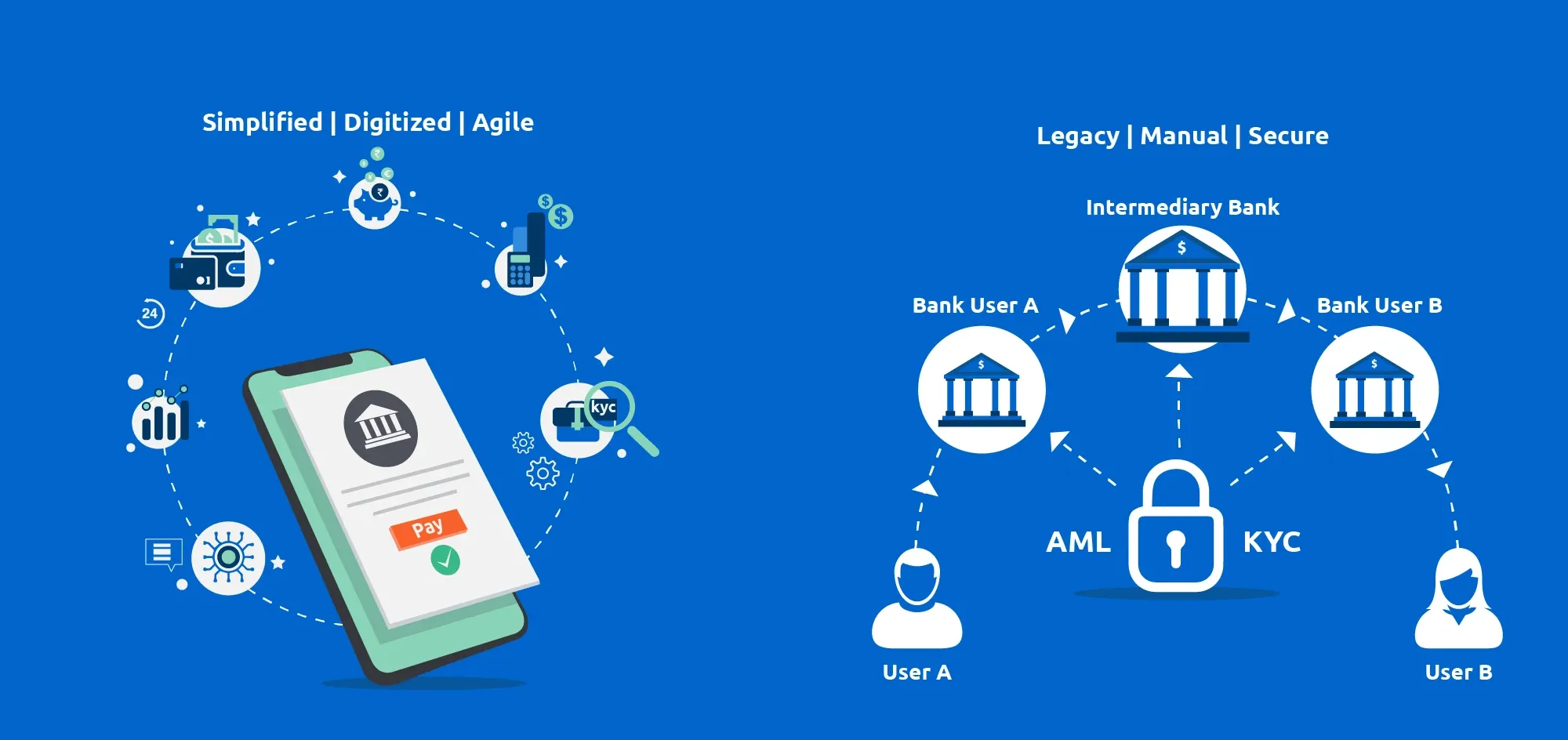
Your wallet is on your phone now. No teller windows. No paper passbooks. One app, one password and a whole lot of hope.
Neobanks and digital wallets have transformed banking into something faster, more efficient than it has ever been. But that convenience also comes at a price — cybercriminals enjoy these platforms as much as you do. In 2023, Americans lost more than $10 billion to fraud and a good portion of that occurred through digital financial apps.
Here’s what most people don’t understand: You don’t need to be a tech expert in order to keep yourself safe. You’ve just got to know what you’re looking for. A basic security audit — a brief personal checkup on your accounts — can mean the difference between losing your savings and sleeping well at night.
This guide takes you through 9 simple neobank and digital wallet security checks that anyone can do. No tech degree required. Let’s lock things down.
Why Hackers Are Homing In on Neobanks and Digital Wallets
Traditional banks have physical security as well as regulatory oversight and a long track record of dealing with threats. Neobanks are newer and fully digital, with some not having as many layers of protection in place.
Digital wallets such as PayPal, Cash App, Venmo, Apple Pay and Google Pay actually hold real money and allow you to link directly with your bank account or a credit card. If a hacker manages to get into your account, that money can be drained in minutes.
Here’s what makes these platforms ripe for exploitation by bad actors:
- They operate around the clock, without any human supervision
- Users can set weak passwords or bypass additional security steps
- Transactions are typically immediate and difficult to reverse
- Phishing attacks can fool users into sharing logins
The good news? The vast majority of security breaches occur because of simple slip-ups — things you can correct today.
What Is a Personal Security Audit?
A security audit sounds fancy, but it is actually more like a check-up. Consider it somewhat akin to checking the locks on your doors before heading to bed.
For your digital accounts, it means checking over your settings, passwords and activity to ensure everything is locked down tight. You don’t need any special tools at all. All you need is your phone, a couple of minutes and this guide.
Let’s get into the 9 audits.
Audit #1 – Check Every Device That’s Logged in to Your Accounts
Begin With the Basics: Who (or What) Is Signed In?
With most neobanks and digital wallets, you are able to view a list of all devices that are currently logged in to the account. This is your first stop.
Visit the settings of your app and find something like “Active Sessions,” “Devices” or “Login Activity.” You will see a list of phones, tablets and computers where your account has been opened.
Ask yourself: Do I recognize all of them? If you notice an unfamiliar device — say, an old phone you sold, or something you’ve never heard of — remove it on the spot.
What to do:
- Remove anything you don’t recognize
- Sign out of devices you no longer use
- Turn on alerts when a new device logs in
Why This Matters
If someone has your login information, they might be silently monitoring your account on another device. Cutting off unauthorized access before they act can save you from serious loss.
Audit #2 — Rate Your Password Strength (Be Honest)
Is Your Password Secure?
Let’s be real. Many people still use “password123” or their pet’s name. Hackers know this. They run automated programs that make millions of guesses in no time at all.
A strong password should:
- Be a minimum of 12 characters in length
- Mix uppercase and lowercase letters
- Include numbers and symbols
- Not be a word from the dictionary
- Not be reused on any other site
Weak password example: fluffy2010 Strong password example: $kY9!mrT#2vLpQ
Use a Password Manager
You are not required to memorize complex passwords. A password manager such as Bitwarden (free) or 1Password will store and create strong passwords on your behalf. This is one of the smartest things you can do to ensure your security.
Quick Audit Checklist for Passwords:
| Check | Done? |
|---|---|
| Password is 12+ characters | ☐ |
| Mix of letters, numbers, symbols | ☐ |
| Not reused from another account | ☐ |
| Changed within the last 6 months | ☐ |
| Stored in a password manager | ☐ |
Audit #3 — Enable Two-Factor Authentication Right Now
The Extra Lock That Stops Hackers Cold
Two-factor authentication (2FA) means that even if someone steals your password, they can’t get in without a second code — typically sent to your phone or generated by an app.
This one simple step prevents most account takeover attempts. It’s free. It only takes two minutes to set up. And there’s near-zero excuse not to use it.
2FA types ordered from strongest to weakest:
- Authenticator app (such as Google Authenticator or Authy) — Best choice
- Hardware key (YubiKey or similar) — Maximum security, great for high-value accounts
- SMS text message — Better than nothing, but vulnerable to SIM swapping attacks
- Email code — Weakest option, avoid if at all possible
Open up your neobank or digital wallet settings right now. Search for “Two-Factor Authentication” or “Two-Step Verification.” Turn it on using an authenticator app whenever possible.
SIM Swapping: The Threat Most People Have Never Heard Of
If you are using SMS-based 2FA, you are still at risk from SIM swapping. That’s when a hacker convinces your phone carrier to transfer your number to a SIM card they control. Then they receive your text codes and bypass your 2FA.
To protect yourself: Call your carrier and request that they add a SIM lock or PIN to your account. This adds another layer before someone can swap out your SIM.
Audit #4 — Go Through Your Transaction History Line by Line
The Trickiest Moves Are the Small Ones
Fraudsters often test stolen account access with tiny charges — sometimes just $1 or $2. If nobody notices, they escalate. This is called “micro-fraud.”
Take 10 minutes and review your last 60 to 90 days of transactions. Look for:
- Charges you don’t remember making
- Subscriptions you never signed up for
- Small recurring charges from names you don’t recognize
- Transfers to accounts you cannot identify
Red flags to watch for:
| Transaction Type | What It Could Mean |
|---|---|
| Unknown $1–$5 charge | Fraudulent test charge |
| Unfamiliar subscription | Unauthorized sign-up |
| Duplicate charge | Double billing or fraud |
| Transfer to unknown account | Possible account takeover |
If you see anything suspicious, alert your neobank or wallet provider right away. Most have a zero-liability policy when it comes to fraud — but you need to report it quickly.
Audit #5 — Review App Permissions on Your Phone
Your Apps Know More About You Than You Realize
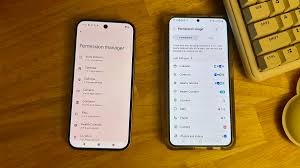
When you download a financial app, it requests specific permissions — access to your camera, contacts, location and microphone. Some of these make sense. Others are overreaches.
Does your digital wallet really need to access your microphone? Probably not.
How to audit your app permissions:
- On iPhone: Settings → Privacy & Security → check each category individually
- On Android: Settings → Apps → select the app → Permissions
Find permissions that appear unnecessary and revoke them. Only keep what the app truly needs to function.
Permissions That Should Raise Questions
- Microphone access for a banking app — Why?
- Contacts access — Only required when sending money to contacts
- Location always on — Most apps only need location “while using”
- Camera — Acceptable for check deposits or ID verification
Revoking unnecessary permissions cuts down how much data these apps gather about you and reduces your exposure if an app is ever compromised.
Audit #6 — Check All of Your Linked Accounts and Cards
Anything Attached to Your Wallet Is a Potential Weak Link
Most digital wallets let you link multiple bank accounts, credit cards and debit cards. Over time, you may have connected accounts you’ve forgotten about — or ones tied to old cards you no longer use.
Log in to your wallet and go to “Payment Methods” or “Linked Accounts.” Review every single one.
Ask yourself:
- Is this card still active?
- Is this bank account still in use?
- Did I link this account, or could someone else have?
Remove any linked accounts or cards that are outdated or unrecognized. Fewer connections mean fewer opportunities for a hacker to move your money.
Don’t Forget Third-Party App Connections
Some wallets allow third-party apps to connect and pull money automatically — budgeting apps, subscription services and the like. Check the “Connected Apps” or “Authorized Services” section of your wallet’s settings.
Revoke access for any app you no longer use or don’t recognize.
Audit #7 — Test Your Account Recovery Options
Your Recovery Path Could Be a Hacker’s Way In
Account recovery options are meant to help you get back in if you’re locked out. But they can also be exploited if a hacker knows enough about you.
Common recovery options include:
- Backup email address
- Phone number
- Security questions
- Backup codes
Audit each one:
Is your backup email still active? Is it secure? If your recovery email has a weak password and no 2FA, it becomes the weakest link in your entire security chain.
Are your security questions easy to guess? Questions such as “What is your mother’s maiden name?” or “What city were you born in?” can often be found on social media. Consider using fake answers — just make sure to write them down somewhere safe.
Recovery Options Security Table:
| Recovery Option | Risk Level | What to Do |
|---|---|---|
| Old/unused email | High | Update to current secure email |
| Weak security questions | High | Use random, fake answers |
| Phone number only | Medium | Pair with authenticator app |
| Backup codes | Low | Store them safely offline |
Audit #8 — Look Into Your Neobank’s Security Features and Policies
Not All Neobanks Are Built the Same
You trust your neobank with your money. But do you actually know how they protect it?
Spend 15 minutes reviewing your neobank’s security page. Look for:
FDIC or NCUA insurance: Are your funds insured up to $250,000? Most legitimate neobanks partner with insured banks, but confirm this directly.
Encryption standards: Are they using 256-bit encryption? Do they encrypt data in transit and at rest?
Fraud monitoring: Do they have real-time alerts? Automatic transaction monitoring?
Dispute resolution: How quickly do they respond to fraud claims? What’s the process?
Data breach history: Have they experienced any breaches before? What did they do about it?
You can search “[Neobank name] + data breach” or “[Neobank name] + security policy” to find this information quickly. You can also visit resources like the Consumer Financial Protection Bureau to check for complaints or enforcement actions against financial apps.
A Simple Comparison of Common Neobank Security Features:
| Feature | What to Look For |
|---|---|
| FDIC Insurance | Up to $250,000 per depositor |
| Encryption | AES-256 or equivalent |
| Biometric login | Fingerprint or Face ID option |
| Instant freeze | Ability to lock card from app |
| Real-time alerts | Push notifications for every transaction |
If your neobank is missing key features — especially FDIC insurance — it may be time to reconsider where you keep your money.
Audit #9 — Set Up Alerts and Spending Limits

Let Your Bank Watch Your Back — Automatically
This final audit is all about putting systems in place so you’re not manually checking everything all the time.
Most neobanks and digital wallets allow you to customize your alerts. Use them.
Set alerts for:
- Every transaction over a certain amount — even $1
- International transactions
- Large withdrawals
- Login from a new device
- Changes to account settings
Set spending limits for:
- Daily transfer maximums
- International payment blocks
- Peer-to-peer transfer caps
These settings mean that even if someone gains access to your account, they can’t drain it instantly. Small limits give you time to notice and respond.
Go into your app settings right now. Look for “Notifications,” “Alerts” or “Spending Controls.” Customize every option available to you.
How Often Should You Run These Audits?
You don’t need to run all 9 audits every week. But you should make security check-ups a regular habit.
Recommended schedule:
| Audit Type | Frequency |
|---|---|
| Transaction review | Weekly |
| Device check | Monthly |
| Password review | Every 3–6 months |
| App permissions | Every 3 months |
| Linked accounts review | Every 6 months |
| Full 9-audit checkup | Every 6 months |
Set a recurring reminder on your phone. Think of it like a trip to the dentist — something you do even when nothing feels wrong.
The Most Common Mistakes People Make With Digital Wallet Security
Even those who are security-conscious slip up in these common ways:
Using the same password across multiple apps. One breach exposes everything.
Skipping 2FA because it “takes too long.” Those extra 10 seconds are worth it.
Ignoring small charges. Fraudsters rely on you not paying attention.
Never checking linked accounts. Old connections become forgotten entry points.
Trusting public Wi-Fi. Never log in to financial apps on an unsecured public network. Use mobile data or a VPN.
Not reading breach notifications. If your neobank emails you about a security event, read it immediately.
Quick Reference: Your 9-Audit Security Checklist
| # | Audit | Time Needed |
|---|---|---|
| 1 | Check active devices | 5 minutes |
| 2 | Review password strength | 10 minutes |
| 3 | Enable 2FA | 5 minutes |
| 4 | Scan transaction history | 10–15 minutes |
| 5 | Review app permissions | 5 minutes |
| 6 | Check linked accounts | 5 minutes |
| 7 | Test recovery options | 10 minutes |
| 8 | Review neobank security policies | 15 minutes |
| 9 | Set up alerts and limits | 10 minutes |
Total time: About 75–90 minutes for a full audit
Frequently Asked Questions
Q: What should I look for when evaluating whether my neobank is safe? Check for FDIC insurance, robust encryption (AES-256), biometric login, real-time alerts and a clear security policy. Research any past data breaches. Reputable neobanks are open about how they protect your money.
Q: What should I do if I spot a suspicious transaction? Instantly freeze your card on the app, then get in touch with your neobank’s customer service. Report the transaction as fraud. Save screenshots of the suspicious activity. Most neobanks have zero-liability fraud policies, but speed is of the essence.
Q: Is SMS two-factor authentication good enough? It is preferable to no 2FA at all, but it’s not the most robust choice. SIM swapping attacks allow hackers to circumvent SMS codes. If you can, use an authenticator app such as Google Authenticator, Authy or Microsoft Authenticator.
Q: Can I trust digital wallets to hold large amounts of money? For everyday spending, yes. For large savings, it’s safer to keep most of your money in an FDIC-insured bank or savings account and use your digital wallet only for smaller regular transactions.
Q: What’s the safest way to access my neobank account? Always use your mobile data connection or a trusted home network — never public Wi-Fi. Use biometric login (fingerprint or Face ID) instead of just a PIN. Keep your app updated to the latest version.
Q: How often do neobanks get hacked? Significant breaches occur far more frequently than most people might imagine. That’s not to say neobanks are inherently unsafe, but rather that your personal security habits matter a great deal. Strong passwords, 2FA and regular audits dramatically reduce your personal risk.
Q: What is SIM swapping? It’s when a scammer tricks your phone carrier into transferring your number to a SIM card they control. Once they have your number, they can intercept your SMS verification codes and bypass 2FA. Protect yourself by enabling a SIM lock PIN through your carrier.
Q: Do these security tips apply to apps like Venmo and Cash App too? Absolutely. These peer-to-peer payment apps carry the same risks as neobanks. Run all 9 audits on every financial app on your phone — not just your main banking app. For more personal finance tips and tools to help you stay on top of your money, check out this helpful resource.
One Last Thing Before You Close This Tab
Here’s the cold, hard reality: the greatest threat to your digital money isn’t some sophisticated hacker in a dark room. It’s the small security gaps you leave open without realizing it — an old device still logged in, a weak password you haven’t changed, a linked account you forgot about.
These 9 neobank and digital wallet security audits take less than two hours total. That’s a small price to pay for safeguarding all the money you’ve worked so hard to earn.
Pick one audit and do it right now. Then come back and do the next one. By the end of the week, you could have your entire digital financial life locked down.







