

My cousin called me in a panic last year.
She’d woken up to a notification from her neobank app showing three transactions she never made — two small ones in quick succession, then a larger one about forty minutes later. By the time she called the bank’s support chat, almost $600 was gone. The whole thing happened while she was asleep.
What made it worse? She’d done everything she thought was “right.” Strong password. App downloaded from the official store. She wasn’t clicking random links. She just… didn’t know what she didn’t know.
That conversation is why I’m writing this. Because neobanks are genuinely convenient, often better than traditional banks in many ways — but they come with a specific threat profile that most users never get properly warned about. The marketing materials show you the sleek app and the zero-fee transfers. Nobody walks you through what can go wrong.
So let’s do that now.
1. SIM Swap Attacks — The Threat Hiding Inside Your Phone Number
This one took down my cousin, by the way. We figured it out later.
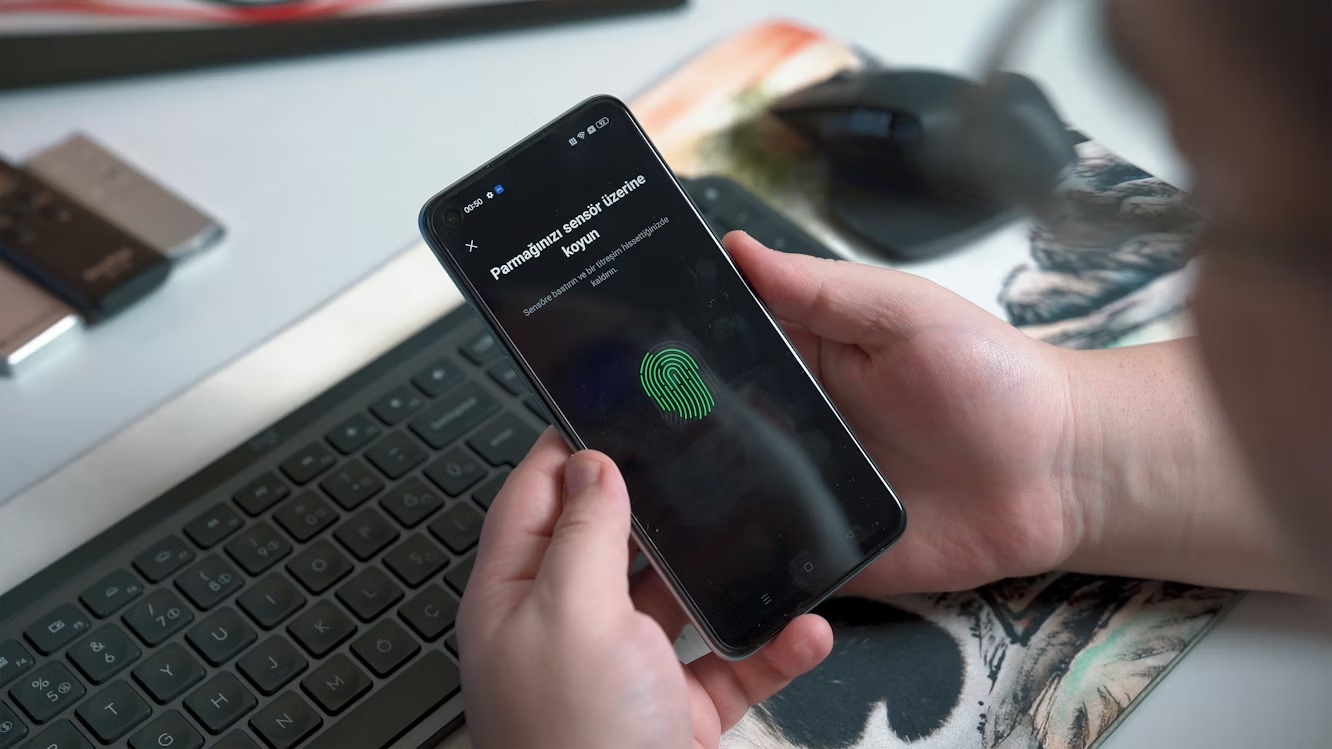
SIM swapping is when a fraudster contacts your mobile carrier, pretends to be you, and convinces them to transfer your phone number to a SIM card they control. Once they have your number, they receive every SMS — including your bank’s one-time passwords (OTPs).
From that point, getting into your neobank account is almost trivial.
The reason this hits neobank users particularly hard is that digital-first banks lean heavily on SMS-based authentication. It’s fast, it’s cheap to implement, and most users are comfortable with it. But it creates a single, very attackable link in the security chain.
How it actually plays out:
- Attacker gathers your personal info — name, address, last four digits of SSN or ID. A lot of this is available from data breaches or social media.
- They call your carrier pretending to be you, claiming their phone was lost or damaged.
- Carrier transfers your number to their SIM.
- They trigger a password reset on your neobank using your email or phone number.
- OTP goes to them. They’re in.
What to do about it:
First, call your carrier and add a SIM lock or “port freeze” — most carriers offer this but don’t advertise it. You’ll set a PIN that must be provided before any SIM transfer can happen.
Second, switch from SMS-based 2FA to an authenticator app like Google Authenticator, Authy, or 1Password. These generate codes on your physical device, not through your phone number. If your neobank doesn’t offer this option yet, that’s actually worth factoring into whether you keep using them.
Third, use a separate, private email address for your banking accounts — one you don’t share publicly anywhere.
2. Phishing — And Not the Obvious Kind
I know what you’re thinking. “I know about phishing. I don’t click suspicious links.”
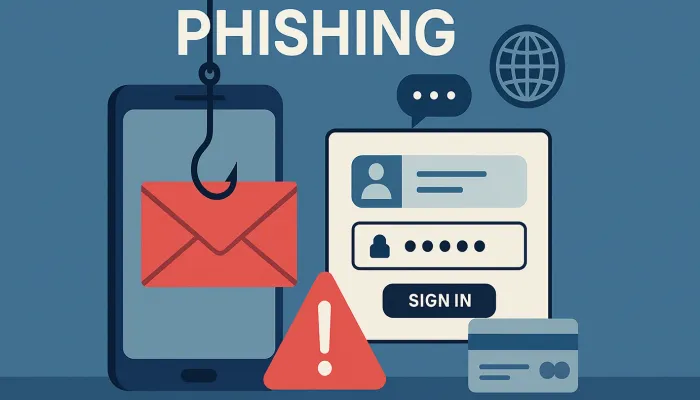
But modern phishing has gotten genuinely sophisticated, and the version targeting neobank users specifically is worth understanding in detail.
The old-school approach — badly spelled emails from “your bank” — still exists, but fraudsters have moved on. What’s working now:
In-app notification spoofing. Attackers create near-perfect replicas of neobank notification screens. These get delivered through malicious apps that have permission to display over other apps (a legitimate Android feature that gets abused). You see what looks like your bank’s push notification. You tap it. You’re now on a fake login screen.
SMS phishing (Smishing) with context. Instead of random “your account is suspended” messages, attackers now send messages that reference actual recent transactions. They get this data from breaches of merchant databases — if you bought something online and that retailer was breached, attackers know what you bought, approximately when, and how much. The fake “suspicious transaction alert” they send matches something real, which makes it believable.
Voice phishing (Vishing) impersonating fraud teams. Someone calls you, claims to be from your neobank’s fraud department, and says they’ve detected suspicious activity. They ask you to “verify” by providing a code they’re about to send you. That code is actually a password reset OTP they just triggered. You read it to them. They own your account.
| Phishing Type | Delivery Channel | What They Want |
|---|---|---|
| Classic email phishing | Login credentials | |
| Smishing | SMS | OTP codes, card details |
| Vishing | Phone call | OTP codes, account details |
| In-app overlay attack | Malicious app | Login credentials |
| Social media impersonation | Twitter/Instagram DMs | Personal info, links clicked |
The rule that actually helps: Your bank will never ask you to read back a code they sent you. Ever. If someone on a call asks for an OTP, hang up immediately.
Also worth checking out — 4 Easy Neobank and Digital Wallet Security Audits That Stop Hackers walks through some self-audit steps that help you spot these vulnerabilities before attackers do.
3. Account Takeover via Credential Stuffing
Here’s a threat that has nothing to do with your behavior on your neobank — and everything to do with a password you used on some other website three years ago.
Credential stuffing is when attackers take username/password combinations leaked from one breach and automatically try them across hundreds of other sites and apps. They use bots to do this at massive scale. They’re not targeting you specifically. They’re spraying thousands of credentials and seeing what sticks.
The reason this works is password reuse. And even if you don’t think you reuse passwords, you might be surprised. A lot of people use slight variations of the same base password — “password123” on one site, “Password123!” on another. Credential stuffing tools are sophisticated enough to try these variations.
Neobanks are attractive targets because:
- The payoff (direct account access) is immediate
- Many users signed up quickly and used convenient, not necessarily unique, passwords
- Digital-first platforms often have thinner customer service buffers for rapid fraud response
Checking your exposure:
Go to haveibeenpwned.com right now and enter your email address. It’ll show you every known breach that included your email. If you see results, assume your password from that breach is being tried somewhere.
Fixing it step by step:
- Get a password manager — Bitwarden is free and excellent, 1Password is worth paying for. Either one works.
- Generate a completely unique, random password for your neobank. Something like
wK7#mQ2vLp9!xR— nothing you could remember or type without the manager. - Enable login notifications so you’re alerted to every sign-in attempt.
- Turn on login attempt limits if your neobank offers this in settings.
The password manager piece is the one most people delay and then don’t do. Don’t delay it. It takes about twenty minutes to set up properly and it changes your security posture dramatically.
4. Insecure Wi-Fi and Man-in-the-Middle Attacks
This is the one that feels the most “movie hacker” but is actually more common than people realize — especially in cities with lots of public Wi-Fi.
A man-in-the-middle (MITM) attack is when someone positions themselves between you and the network you’re connected to, intercepting the data flowing between your device and whatever server you’re communicating with.
On an open, public Wi-Fi network — a café, airport, hotel lobby — this is relatively achievable for someone with the right equipment and about $30 in hardware. They can see unencrypted traffic, intercept session tokens, and in some cases inject malicious code into pages you’re loading.
The honest version of the risk:
Most neobank apps use HTTPS and certificate pinning, which significantly reduces the risk of basic MITM attacks. So this isn’t as simple as “someone at Starbucks can read your transactions.”
But the risk isn’t zero either. Session hijacking, evil twin attacks (fake Wi-Fi hotspots with convincing names), and SSL stripping on poorly configured networks all still happen.
The behavior that actually gets people into trouble is making financial transactions on open networks, especially on older devices with outdated software.
Practical steps:
Use a VPN when you’re on public Wi-Fi. Mullvad and ProtonVPN are both solid options that don’t log your traffic. Even a decent free VPN is better than nothing for basic public Wi-Fi exposure.
Keep your phone’s OS updated. A lot of mobile security patches specifically address vulnerabilities that enable MITM-style attacks.
If you’re doing anything sensitive financially — checking balances, sending money, updating account details — just switch to mobile data. It’s a small habit that removes a real risk category entirely.
For a more technical breakdown of how these attack surfaces get audited professionally, 9 Key Neobank Digital Wallet Security Checkpoints is worth a read.
5. Third-Party App Integrations — The Backdoor You Voluntarily Opened
This one doesn’t get talked about enough, and it’s genuinely sneaky because the risk comes from something users actively choose to do.
Most neobanks now support open banking — the ability to connect your account to third-party budgeting apps, expense trackers, investment platforms, and financial tools. Plaid, TrueLayer, and MX are the common data aggregators that power these integrations.
The convenience is real. Linking your neobank to a budgeting app like YNAB or Copilot gives you a financial overview that’s actually useful.
But every integration is a surface area. You’re trusting not just your neobank’s security, but the security of every third-party app you’ve granted access to.
Here’s where it goes wrong:
Forgotten connections. You linked your account to some app you used for two weeks and then forgot about. That app still has access. If that app gets breached, your data goes with it.
Excessive permission scope. Some third-party apps request read-and-write access when they only need read access. You should never grant a budgeting or analytics app the ability to initiate transactions. Check the permission scope before you approve any connection.
Abandoned or acquired apps. Apps get bought and sold. A budgeting tool you trusted in 2021 may now be owned by a company with completely different data practices. You probably didn’t get a notification about that.
Step-by-step audit of your third-party connections:
- Log into your neobank app and find the “Connected Apps” or “Open Banking” section (usually in settings or security).
- Make a list of every connected application.
- For each one: Do you still use it? Do you know who owns it currently? What permissions did you grant?
- Revoke access to anything you don’t actively use.
- For anything you keep, check the app’s current privacy policy.
Do this every six months. Put it in your calendar right now. It takes less than fifteen minutes and it closes a real exposure that most users don’t even know exists.
The Mistakes That Make All of This Worse
A few patterns I keep seeing that compound these risks:
Using your neobank as your only account. If it gets compromised, you need somewhere else to operate from while you sort things out. Keep a traditional bank account running in parallel, even if you barely use it.
Ignoring app permission requests. When you install an app and it asks for access to your contacts, microphone, or location — and that doesn’t make obvious sense for what the app does — that’s a red flag. Financial apps especially should have minimal permission requirements.
Not setting up transaction alerts. Almost every neobank lets you enable instant push notifications for every transaction. This is your earliest warning system. If you don’t have it turned on, turn it on right now. The notification you get at 3am about a $12 charge you didn’t make might save you from a $600 one an hour later.
Assuming your neobank’s security is your only responsibility. Your security is also your responsibility. The app can be perfect, and you can still get compromised because of your password habits, your Wi-Fi choices, or a SIM swap.
| Security Habit | Easy to Implement? | Risk Reduction |
|---|---|---|
| Enable transaction alerts | Very easy | High |
| Use authenticator app instead of SMS | Easy | Very high |
| Use a password manager | Moderate | Very high |
| Add SIM lock with your carrier | Easy | High |
| Audit third-party app connections | Easy | Moderate-High |
| Use VPN on public Wi-Fi | Easy | Moderate |
| Separate email for banking | Easy | Moderate |
Where to Go From Here
None of this is meant to scare you away from neobanks. They’ve genuinely improved how a lot of people manage money, and many of them have security teams that rival traditional banks.
But understanding the specific threats that target digital banking users — SIM swaps, sophisticated phishing, credential stuffing, public network risks, and third-party app exposure — puts you in a position to actually protect yourself rather than just hoping nothing bad happens.
My cousin got her money back eventually, after several weeks of dispute processes and support chats. She also switched to an authenticator app and added a SIM lock the same day we figured out what happened.
Small habits, before something goes wrong, are so much cheaper than fixing things after.